How to Reduce App Size When Adding a Vitals SDK
A practical guide for mobile engineering teams on how to reduce app size when adding a vitals SDK, including binary optimization and custom builds.
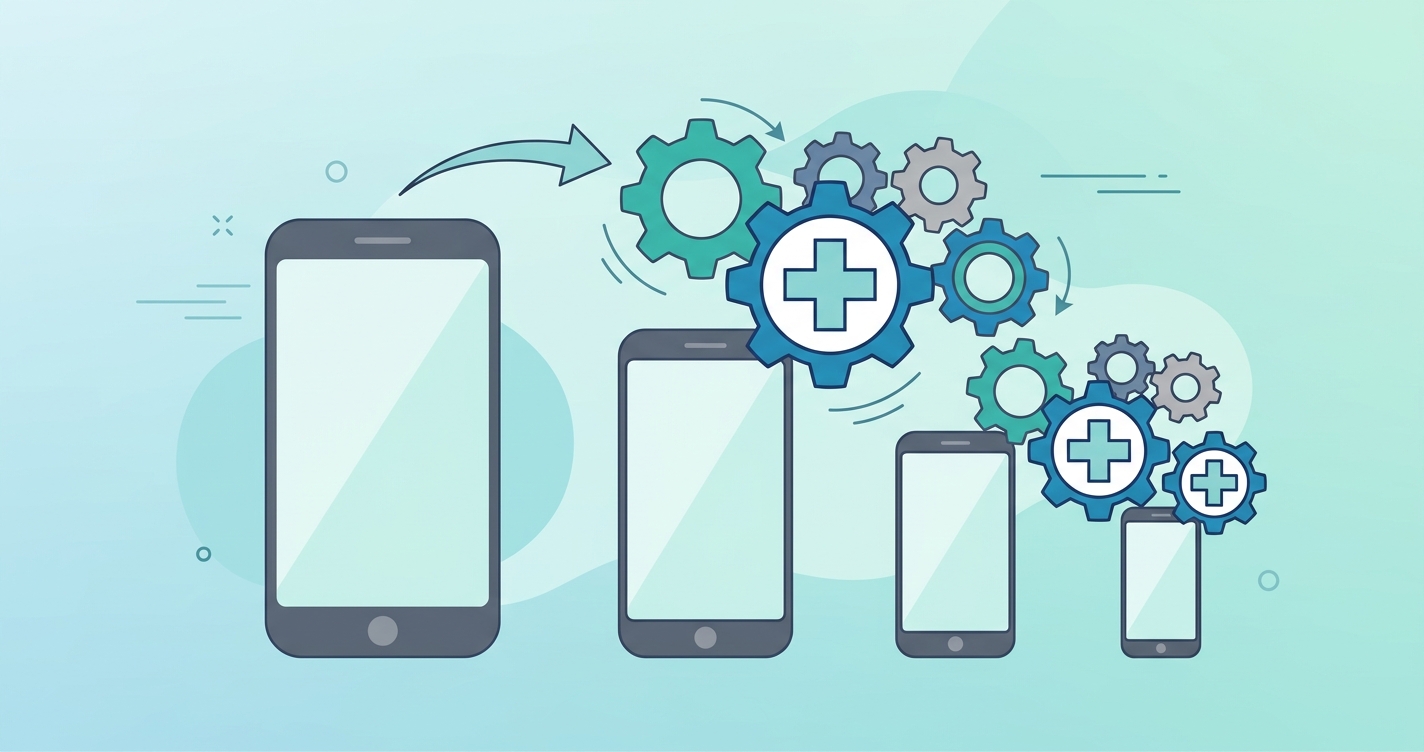
Mobile engineering teams fight a constant battle against application bloat. Every additional megabyte added to an application binary directly correlates with lower install rates, higher uninstall rates, and increased user friction, particularly in markets with expensive cellular data or older mobile devices. When product managers request the integration of camera-based health monitoring, such as remote photoplethysmography (rPPG), engineers must balance the delivery of advanced computer vision features against strict binary size budgets. For engineering teams adding these features, knowing exactly how to reduce app size vitals SDK footprint is a core architectural requirement, not an afterthought.
"Mobile applications that exceed 100MB in download size experience a 20% drop in install conversion rates on cellular networks, making binary optimization a critical retention metric for consumer and health applications.", State of Mobile Application Delivery Report, 2024
Modern health SDKs often bundle extensive machine learning models, computer vision libraries like OpenCV, and numerous architectural support files. If integrated without optimization, a standard vitals SDK can inflate an application by 30 to 50 megabytes. This guide outlines the exact strategies engineering teams use to minimize this impact, from model quantization to custom modular builds.
How to reduce app size vitals SDK impact
The most effective way to reduce app size vitals SDK impact involves a combination of build-time optimizations and intelligent feature selection. Mobile teams cannot simply drop a massive monolithic library into their codebase and expect it to perform well on lower-end devices.
When engineers compile an application, the compiler includes all code from the imported libraries unless explicitly instructed otherwise. Because most rPPG SDKs are designed to support multiple platforms, multiple architectures (such as ARM64 and x86), and a variety of edge cases, the default binary is inherently heavy. Shrinking this binary requires systematically stripping out what the application does not actively use.
Native library stripping and ABI filters
Most computer vision and rPPG SDKs rely on native C++ libraries compiled via the Android NDK or iOS equivalent. By default, SDK vendors ship "fat binaries" containing compiled code for multiple Application Binary Interfaces (ABIs).
To significantly reduce the footprint, developers should configure their build scripts to include only the necessary architectures. For modern mobile applications, filtering out deprecated architectures and restricting the build to arm64-v8a for Android or the modern ARM architecture for iOS can immediately cut the native library weight by more than half.
Model quantization and edge inference
The machine learning models powering facial detection and signal extraction are the heaviest components of a vitals SDK. Standard neural networks use 32-bit floating-point precision (FP32).
By utilizing INT8 quantization, the weights of the neural network are compressed, reducing the physical size of the model file by up to 75% with minimal degradation in signal extraction accuracy. Engineering teams should always evaluate whether their SDK provider offers quantized model variants or cloud-hybrid execution paths that keep heavy models off the local device entirely.
Architectural footprint comparison
Understanding the difference between a standard implementation and an optimized build helps engineering leaders make informed resource allocation decisions.
| Metric | Standard Monolithic SDK | Optimized Custom Build | Impact / Benefit |
|---|---|---|---|
| Base Binary Addition | 45 MB | 4 MB to 8 MB | Up to 80% reduction in app bloat |
| Included ABIs | Universal (x86, ARM) | Target specific (arm64-v8a) | Smaller download over cellular networks |
| ML Model Precision | FP32 (High precision) | INT8 Quantized | Faster loading, lower memory usage |
| Unused Features | Included by default | Stripped via ProGuard/R8 | Cleaner application codebase |
| External Dependencies | 10+ bundled libraries | 2-3 core libraries | Lower risk of dependency conflicts |
Key strategies for binary optimization
Engineering teams should enforce strict continuous integration checks to monitor application size during SDK integrations. The following configurations are standard practice for maintaining a lightweight application:
- Implement ProGuard and R8 rule sets to identify and remove unreachable SDK code during the compilation phase.
- Utilize Android App Bundles (AAB) to defer the generation of device-specific APKs to the Google Play Store, ensuring users only download the specific SDK assets required for their exact hardware.
- Request modular or custom builds from the SDK vendor, ensuring features like stress analysis or blood pressure estimation are completely removed if the application only requires heart rate and respiration.
- use dynamic feature delivery, allowing the application to download the vitals SDK components on-demand only when the user navigates to the health scanning screen.
Industry Applications
Minimizing the integration size of health tools is critical across several digital health sectors, each with its own constraints.
Telehealth Platforms
Telehealth applications are already burdened by heavy video streaming libraries (like WebRTC) and encrypted messaging modules. Adding a heavy vitals SDK on top of a video consultation architecture often pushes the application over the cellular download limit. By utilizing modular rPPG builds, telehealth platforms can add contactless vital sign monitoring to their waiting room screens without triggering storage warnings on patients' older smartphones.
Corporate wellness applications
Wellness applications rely heavily on gamification and user engagement. These apps frequently utilize dynamic delivery networks. Because corporate wellness users might only scan their vitals once a week, engineering teams utilize on-demand modules to download the rPPG feature set strictly when the user initiates a health check, keeping the base app exceptionally lightweight for daily step tracking.
Insurance risk assessment
Life insurance and underwriting applications are typically single-use or low-frequency applications. Users download the app, complete a health questionnaire, perform a camera-based vitals scan, and then rarely open the app again. Insurers require the smallest possible frictionless download to maximize the completion rate of the digital underwriting funnel.
Current research and evidence
The optimization of computer vision and remote photoplethysmography models for mobile edge devices is heavily documented in current software engineering and machine learning literature. The transition from heavy server-side processing to localized, lightweight edge processing relies on advanced neural network compression.
Research published by Andrew Howard and colleagues at Google Research (2019) on MobileNetV3 demonstrated that hardware-aware network architecture search could create highly accurate computer vision models that require a fraction of the parameter space. This foundational work directly influences how modern rPPG SDKs structure their face-tracking pipelines.
Further optimizations specific to rPPG have been validated by researchers like Wenjin Wang at the Eindhoven University of Technology (2022). Wang's research into algorithmic optimization of spatial-temporal representations for pulse extraction demonstrated that mathematical efficiency could replace brute-force machine learning. By optimizing the signal extraction algorithms rather than relying entirely on massive deep neural networks, developers can achieve clinical-grade signal fidelity using highly compressed, optimized software libraries that run comfortably on standard mobile processors.
The future of lightweight vitals sdks
As the digital health sector matures, the era of monolithic, one-size-fits-all health SDKs is ending. Engineering leaders are demanding modularity. Future iterations of contactless vitals SDKs will likely rely entirely on composable architectures, where developers use a package manager to pull exactly the algorithms they need.
Furthermore, the advancement of dedicated Neural Processing Units (NPUs) on standard mobile system-on-chips (SoCs) will change how SDKs are packaged. Instead of shipping massive software-based inference engines, future SDKs will contain lightweight bridging code that delegates the heavy mathematical lifting directly to the device's native hardware accelerators. This shift will drastically reduce the physical size of third-party health libraries while simultaneously improving battery life and thermal performance during camera-based measurements.
Frequently asked questions
How much size does a typical contactless vitals SDK add to an application?
An unoptimized, standard vitals SDK can add anywhere from 30 to 50 megabytes to an application binary. This is largely due to the inclusion of universal architecture support, uncompressed machine learning models, and bundled computer vision libraries. With proper optimization, this can be reduced to under 10 megabytes.
Can I use dynamic delivery for rPPG models?
Yes. Both Apple and Google offer mechanisms for on-demand resource delivery. Engineering teams can package the heavy machine learning models and native libraries associated with an rPPG SDK as dynamic features. These assets are only downloaded from the app store servers when the user actively requests access to the health scanning functionality.
What is the difference between static and dynamic SDK libraries regarding app bloat?
Static libraries are copied directly into the application's executable at compile time, meaning the compiler can perform aggressive "dead code elimination" to remove unused functions. Dynamic libraries are kept separate and loaded at runtime; while they cannot be aggressively stripped by the application compiler, they can be shared across multiple applications or delivered dynamically.
Does stripping architectures break compatibility?
Removing unused architectures (ABI filtering) will prevent the app from running on those specific processor types. However, by restricting an Android build exclusively to arm64-v8a, developers drop support only for highly outdated 32-bit devices or specific emulators. Modern app store distribution handles this safely by serving compatible APKs to compatible devices.
To integrate camera-based vitals without compromising your application's architecture or performance, developers need a modern, modular approach. Circadify is directly addressing this space by providing drop-in rPPG SDKs designed specifically for mobile edge environments, allowing you to add contactless vitals to any app in days, not months. Engineering teams can strip out unnecessary components and compile highly optimized binaries tailored to their exact use case. Access our Developer docs + API keys to configure a custom build and maintain strict control over your application size.