Flutter Vitals SDK Integration: Step-by-Step Guide
An engineering guide to Flutter vitals SDK integration. Learn how to architect camera-based rPPG within cross-platform health applications.
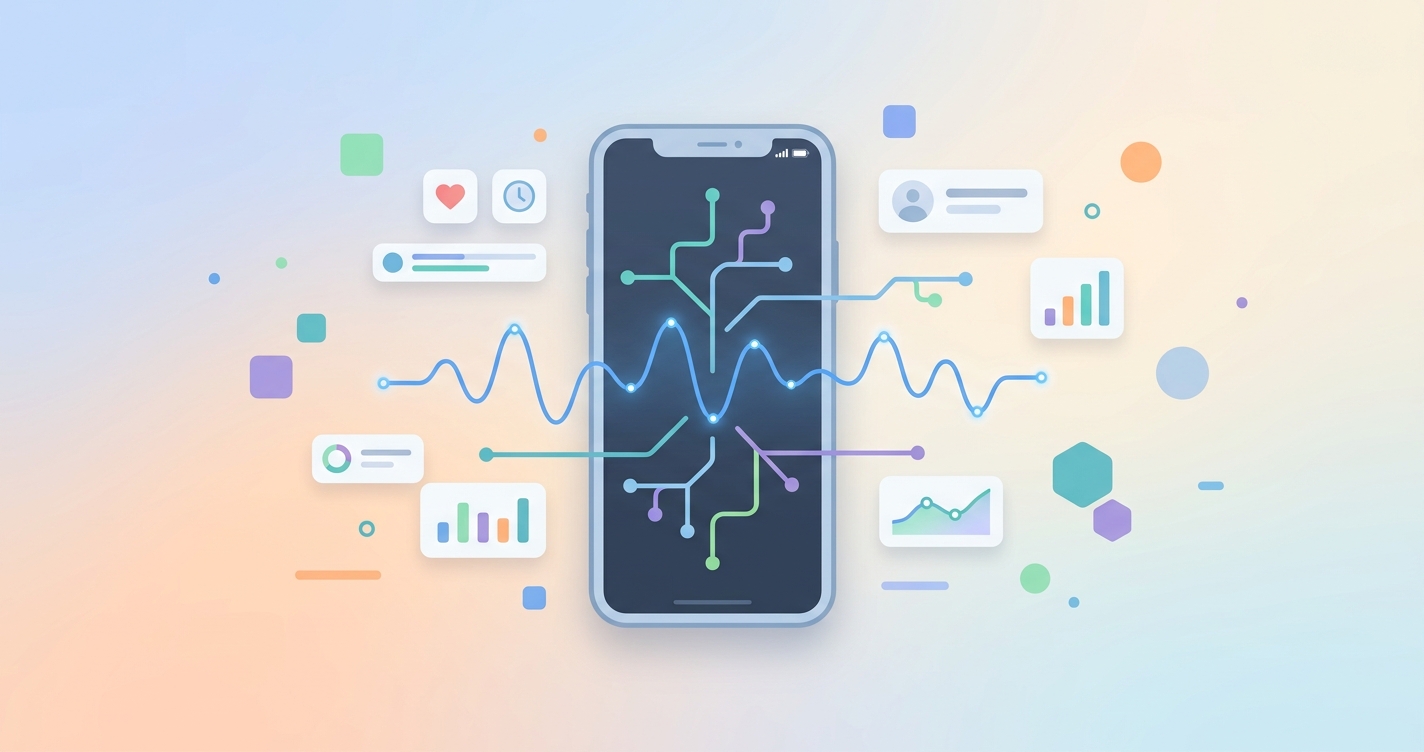
Digital health engineering teams are aggressively moving toward cross-platform frameworks to unify their codebases. As of 2024, approximately 25% of healthcare applications are built with Flutter. But when health platforms attempt to add camera-based physiology, specifically remote photoplethysmography (rPPG), the abstraction layers of cross-platform environments create distinct architectural bottlenecks. Executing a successful Flutter vitals SDK integration requires navigating native camera permissions, optimizing frame rates across the Dart bridge, and managing state without blocking the main UI thread.
"Developing with Flutter can reduce time-to-market by 30 to 40 percent, but processing raw camera frames for vital sign extraction demands optimized asynchronous handling to prevent frame dropping."
- 2024 Cross-Platform Performance Analysis, Program-Ace
Architecting a flutter vitals SDK integration
When executing a Flutter vitals SDK integration, engineering leaders face a specific hardware challenge. Remote photoplethysmography is highly resource-intensive. The SDK must process RGB data at 30 to 60 frames per second to detect the micro-color changes in human skin caused by cardiac cycles. While Flutter's Ahead-of-Time (AOT) compilation provides near-native performance for standard application logic, pushing massive arrays of pixel data across Platform Channels (MethodChannels or EventChannels) can create critical latency.
The optimal approach minimizes data serialization across the bridge. Instead of passing every frame from the native camera to Dart and then to an ML model, modern architectures instantiate the rPPG SDK entirely on the native side (iOS and Android). They then use a Flutter plugin layer simply to render the native view and receive the final processed metrics, such as heart rate or respiratory rate.
Implementation approaches: native binding vs. pure dart
Choosing how to handle the camera stream and processing logic defines the success of your integration. Engineering teams typically evaluate three distinct paths.
| Architectural Approach | Performance | Integration Speed | UI Thread Blocking |
|---|---|---|---|
| Native View Embedding | High (No bridge serialization) | Fast via drop-in plugins | Minimal |
| Pure Dart Camera Processing | Low (Heavy bridge serialization) | Slow (Requires custom data parsing) | High risk during frame extraction |
| Dart FFI (C++ bindings) | Very High | Very Slow (Requires specialized engineering) | Minimal |
- Native View Embedding: This approach wraps the native iOS and Android SDK components into a Flutter
UiKitVieworAndroidView. The heavy lifting remains completely isolated from the Dart environment. - Pure Dart Camera Processing: Developers use the official Flutter camera package to extract YUV420 image streams, passing the bytes to an algorithm. This frequently results in dropped frames and battery drain.
- Hybrid Platform Channels: The application passes initialization commands and receives event streams via Dart, while keeping the video buffer entirely on the native side.
Step-by-step implementation framework
A reliable Flutter vitals SDK integration follows a strict sequence of configurations. Skipping platform-specific permissions will result in immediate application crashes upon compiling.
1. platform-specific permissions
Before initializing any Dart code, you must configure the native environments to request hardware access.
- For iOS, developers must update the
Info.plistfile with theNSCameraUsageDescriptionkey. Apple requires a clear justification for why the application needs camera access to measure health metrics. - For Android, developers must add the
CAMERApermission to theAndroidManifest.xmland ensure the application targets the correct minimum SDK version required by the rPPG vendor.
2. dependency management
Once permissions are set, the next step is adding the Flutter plugin to your pubspec.yaml file. Because rPPG SDKs often contain heavy compiled binaries, developers must monitor the overall application bundle size. Stripping unused architectures (like x86 for iOS) during the build process keeps the final package manageable.
3. view initialization and state management
Rendering the camera feed requires carefully managing the widget lifecycle. When the user navigates away from the scanning screen, the application must explicitly dispose of the camera controller to free up memory. Best practices dictate using a dedicated state management solution (like Riverpod or Bloc) to listen for the stream of vital signs and update the UI asynchronously.
Industry Applications
Cross-platform rPPG integration allows product teams to deploy health features simultaneously across iOS and Android, unlocking several primary use cases.
Telehealth Pre-Screening
Digital clinics integrate a camera vitals Flutter tutorial into their waiting room flow. Before the video call begins, the patient completes a 45-second scan. The resulting heart rate and respiration data are then passed via an API to the provider's electronic health record dashboard.
Remote patient monitoring
Instead of shipping physical pulse oximeters to low-acuity patients, care management programs use a cross-platform vitals SDK. The patient uses their existing smartphone to capture daily baseline measurements, which the application synchronizes to the cloud for clinical review.
Wellness and insurance platforms
Corporate wellness applications embed an add health scanning Flutter app feature to calculate stress and recovery scores. Because the scanning mechanism requires no hardware distribution, insurance platforms can deploy these assessments to millions of members instantly.
Current research and evidence
The academic community continues to document the complexities of deploying rPPG algorithms on mobile hardware. In a 2023 study published in IEEE BHI, researchers Daniel McDuff and colleagues analyzed mobile-recorded rPPG data through the "MMPD: Multi-Domain Mobile Video Physiology Dataset." Their work highlights the specific variables introduced by smartphone environments, including unpredictable body motion, variable lighting, and differing camera sensor qualities.
The research indicates that relying entirely on server-side processing for high-resolution video streams causes unacceptable latency and privacy concerns. Consequently, executing the signal processing directly on the edge device is a strict requirement for mobile applications. Furthermore, a 2024 market analysis by Program-Ace noted that while Flutter handles UI rendering efficiently, hardware-intensive tasks still require deep native optimization to match traditional application performance.
The future of contactless vitals in flutter
The trajectory of cross-platform development points toward tighter hardware integration. As Flutter expands its support for WebAssembly and low-level hardware access, the friction of Platform Channels will decrease. Engineering teams will find it easier to bridge complex C++ computer vision libraries directly to Dart.
Furthermore, advancements in neural rendering and hardware-accelerated machine learning will allow heavier rPPG algorithms to run natively via Dart's Foreign Function Interface (FFI). This evolution will eventually blur the lines between native and cross-platform performance, making it seamless to run a continuous contactless vitals Flutter plugin in the background of fitness and clinical applications.
Frequently asked questions
How do you handle camera permissions in a cross-platform environment?
You must explicitly configure both the Info.plist for iOS and the AndroidManifest.xml for Android before initializing the SDK in Flutter. The operating system handles the actual user prompt, but the application will crash if the metadata is missing.
Does a Flutter vitals SDK integration cause battery drain?
Continuous camera usage and local machine learning processing will consume battery. You should optimize the scan duration, typically limiting it to 30 to 60 seconds per session, and ensure the camera is immediately disposed of when the scan completes.
Can I use Flutter's official camera package for rPPG?
While possible, extracting raw image bytes from the Flutter camera package and pushing them to a processing model often results in dropped frames. It is highly recommended to use an SDK that manages the camera lifecycle and video buffer entirely on the native side.
How large is a typical cross-platform vitals SDK?
Bundle sizes vary by vendor, but a compiled rPPG SDK typically adds 15MB to 30MB to the final application size. This is due to the embedded machine learning models and computer vision binaries required for edge processing.
Engineering teams building modern digital health platforms recognize that managing native camera buffers and ML models across iOS and Android is a massive resource sink. Circadify is directly addressing this space by providing a drop-in rPPG SDK that simplifies the process, allowing teams to add contactless vitals to any app in days, not months. To access our developer documentation and API keys, visit circadify.com/custom-builds.