
What goes wrong when developers add camera-based vitals to their app?
A research-style analysis of the common problems developers face when implementing camera-based vitals, from signal noise and motion artifacts to UX and hardware fragmentation.
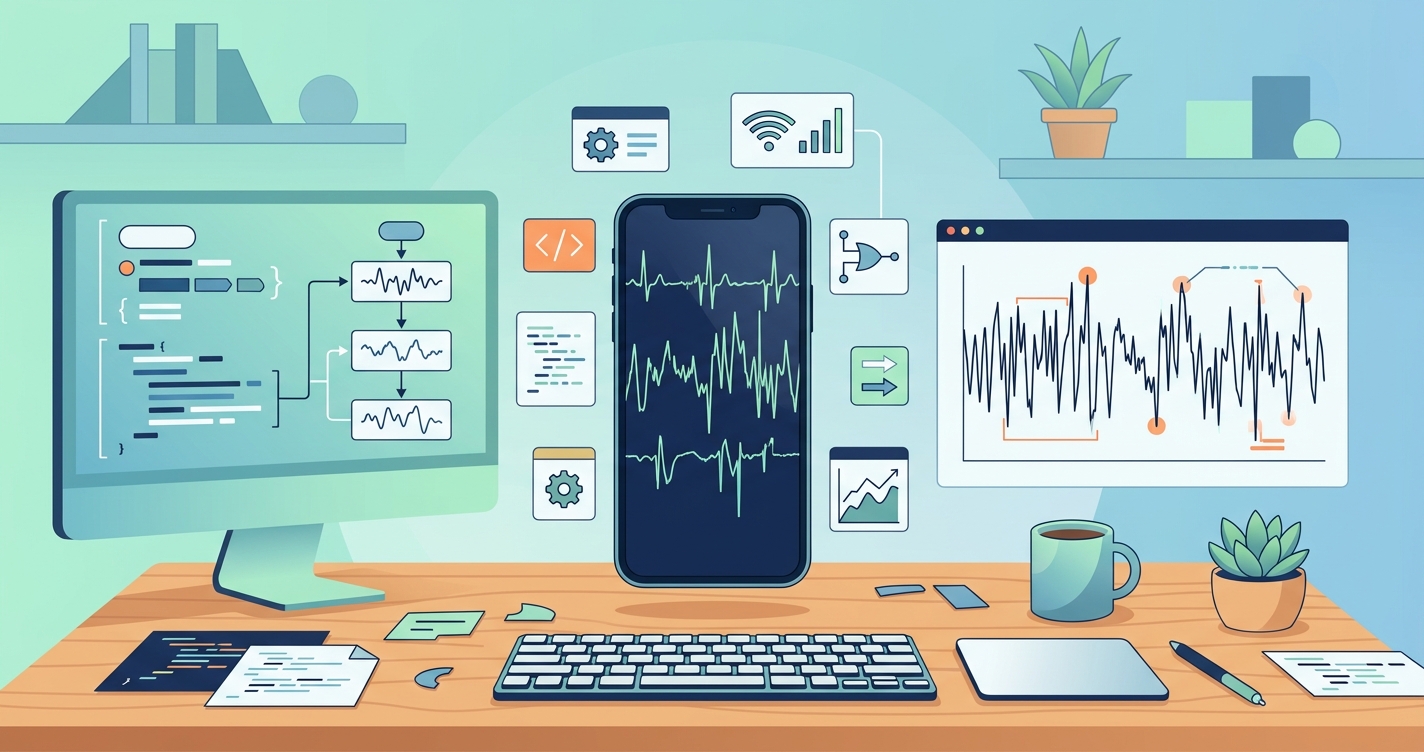
The integration of camera-based vital sign monitoring into mobile applications represents a significant leap forward for digital health. It promises a future where a smartphone can provide meaningful health insights without specialized hardware. However, many development teams discover that the path from a working prototype to a reliable, production-ready feature is fraught with unexpected complexities. The core challenge lies in the gap between controlled lab conditions and the chaotic, unpredictable nature of real-world use. Understanding the most frequent camera vitals app common problems is the first step toward building a feature that is Functional. Trustworthy.
"The primary deterrents to accurate blood volume pulse (BVP) signal extraction in remote photoplethysmography (rPPG) are motion artifacts and lighting variations. These factors introduce significant noise and distortion, making reliable physiological measurement a considerable signal processing challenge." - Based on findings from multiple research studies on rPPG signal integrity.
The spectrum of camera vitals app common problems
When developers first approach adding camera-based vitals, the initial proof-of-concept can seem deceptively simple. Most modern smartphone cameras are capable of detecting the subtle, color-based changes in blood flow beneath the skin (photoplethysmography). The difficulty arises in isolating this weak signal from the overwhelming noise of real-world usage. The most common problems are not just technical, but also encompass user experience and hardware fragmentation. A successful implementation must address challenges across this entire spectrum, from low-level signal processing to high-level user interface design.
These issues can be broadly categorized into several key areas:
- Signal Processing Failures: The raw data from the camera is noisy. Head movements, shifting facial expressions, or changes in ambient light can easily corrupt the signal.
- Environmental and Subject Variability: The algorithm must perform reliably under a wide range of lighting conditions, for users with different skin tones, and at varying distances from the camera.
- Hardware and Platform Fragmentation: The quality and specifications of smartphone cameras vary dramatically between devices, manufacturers, and even operating system versions. An algorithm optimized for one phone may fail completely on another.
- User Experience and Guidance: The accuracy of a measurement is highly dependent on the user's ability to follow instructions. Poor user guidance leads to poor data quality, user frustration, and feature abandonment.
| Feature | Naive Implementation | Robust Implementation |
|---|---|---|
| Motion Handling | Assumes a static user; fails on minor movement. | Employs motion artifact cancellation algorithms and user-facing stability guides. Tracks head motion to discard corrupted data segments. |
| Lighting Correction | Works only under ideal, stable lighting conditions. | Uses adaptive filtering and color space normalization (e.g., green channel) to compensate for dynamic changes in ambient light. |
| Skin Tone Bias | Optimized for a narrow range of light skin tones, showing high error rates for darker skin. | Incorporates multi-wavelength analysis and algorithmic adjustments to mitigate melanin's light-absorbing effect, ensuring equitable accuracy. |
| Device Support | Hardcoded for a specific camera resolution and sensor type (e.g., the latest iPhone). | Benchmarks and calibrates performance across a wide range of popular Android and iOS devices, adjusting processing parameters accordingly. |
| User Guidance | A simple "Hold Still" message. | Provides real-time feedback on face position, distance, and lighting quality. Offers clear, visual instructions before the scan begins. |
| Error Handling | Returns a "Failed" message with no explanation. | Provides specific, actionable feedback (e.g., "Too much movement detected," "Room is too dark") to help the user succeed on the next attempt. |
Industry applications and consequences
The impact of these problems varies depending on the application's context.
Telehealth and remote patient monitoring
In clinical settings, accuracy and reliability are critical. A system that fails due to poor lighting in a patient's home or gives a questionable reading because of minor movement erodes trust. For example, a telehealth platform that cannot reliably capture a patient's heart rate during a remote consultation will find its clinical utility severely limited.
Wellness and fitness apps
For consumer wellness apps, user experience is king. If the feature is difficult to use or consistently fails without explanation, users will quickly abandon it. A fitness app that tries to measure heart rate recovery post-workout but is defeated by a user's heavy breathing and motion will lead to negative reviews and disengagement.
Insurtech and digital underwriting
Insurtech platforms exploring camera-based vitals for risk assessment face a high bar for data quality and fairness. An algorithm that is biased against individuals with darker skin tones is Technically flawed. Introduces a significant ethical and legal liability.
Current research and evidence
The academic and R&D communities are actively working to solve these problems. Research by W. Wang and colleagues (2020) demonstrated advanced signal processing techniques to separate the rPPG signal from motion artifacts. Similarly, studies have focused on the pronounced effect of skin pigmentation on signal quality. As noted in multiple analyses, the higher melanin content in darker skin reduces the signal-to-noise ratio (SNR) of the captured video, a fundamental challenge that requires specific algorithmic solutions. A 2021 study published in IEEE Journal of Biomedical and Health Informatics explored using different color channels to improve accuracy across diverse populations, finding the green channel to be particularly robust. These research efforts are critical for moving camera-based vitals from a novelty to a reliable health metric.
The future of camera-based vitals
The next generation of camera vitals technology will likely rely on a fusion of software and hardware advancements. We can expect to see more sophisticated on-device AI models that can perform real-time signal cleaning and user feedback. These models are being trained on vast and diverse datasets to handle edge cases that currently cause failures. Furthermore, some research points toward multi-wavelength imaging, using the infrared and other sensors increasingly available on smartphones to capture data that is less susceptible to visible light changes and skin tone variation. The ultimate goal is to create a "zero-effort" measurement that is as simple and reliable as taking a selfie.
Frequently asked questions
What is the most common reason a camera vitals app fails?
The most common failure mode in real-world use is motion. Even small, involuntary movements like shifting in a chair, talking, or deep breathing can introduce enough noise to corrupt the subtle blood flow signal the camera is trying to detect.
How does skin tone affect camera-based heart rate readings?
Melanin, the pigment in skin, absorbs light. Higher concentrations of melanin in darker skin tones can absorb more of the light from the phone's flash or the ambient environment, reducing the strength of the signal that reflects back to the camera. This results in a lower signal-to-noise ratio, which can make it harder for algorithms to accurately calculate heart rate without specific compensations.
Can I improve the accuracy of a camera vitals measurement as a user?
Yes. The best results come from staying as still as possible in a well-lit room. Place your face directly in front of the camera, and try to avoid any strong light sources from behind you (like a window). Follow any on-screen guides for positioning, and remain still and silent for the duration of the scan.
The challenges of building a reliable camera-based vitals feature are significant, but they are not insurmountable. As research continues and platform tools mature, the underlying technology becomes more robust and accessible. For organizations looking to bypass the years of specialized R&D required to solve these problems from scratch, Circadify is addressing this space by providing a drop-in SDK that handles these complex challenges. Explore our developer documentation and get your API keys at circadify.com/custom-builds.