
5 Common rPPG SDK Integration Mistakes and How to Avoid Them
Five rPPG SDK integration mistakes that quietly break production deployments, from ignoring ambient light to skipping device-specific testing. Here is how to avoid them.
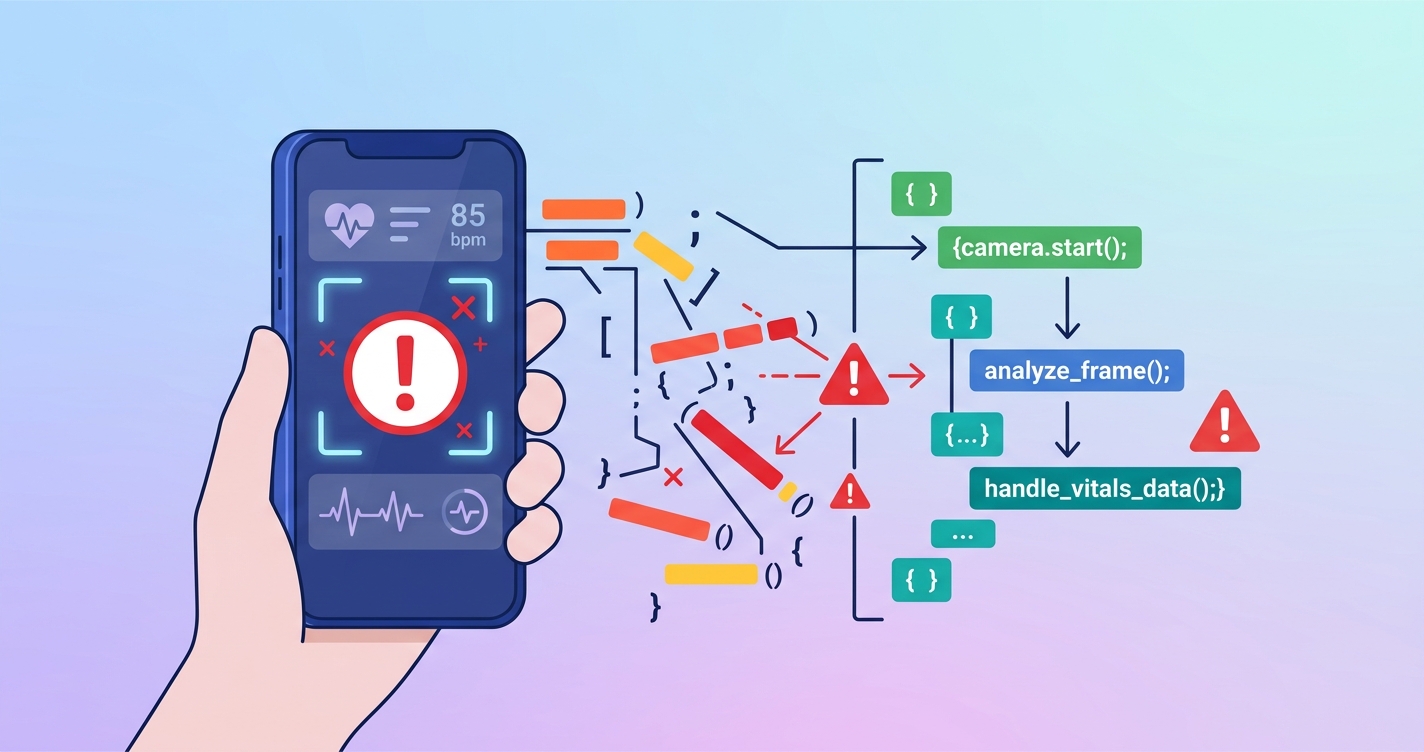
5 Common rPPG SDK Integration Mistakes and How to Avoid Them
Most teams that integrate an rPPG SDK into their application get the demo working in a day or two. Heart rate shows up on screen. Respiratory rate looks reasonable. The product manager sees a working prototype and starts planning the launch timeline.
Then production happens. Users scan in dim bathrooms, in cars with flickering sunlight through trees, on four-year-old Android phones with aggressive battery optimization. The SDK returns numbers, but nobody is checking whether those numbers are actually reliable. The rPPG SDK integration mistakes that matter are rarely about getting the SDK to compile. They are about what breaks six months after launch when real people use it in real conditions.
"Camera-based systems used in rPPG face challenges related to variations in motion and noise, ambient lighting changes, low-light conditions, occlusions, camera distance, and skin tone. These challenges are particularly pronounced in uncontrolled environments." — University of Electronic Science and Technology of China, arXiv, 2025
Here are five mistakes we see repeatedly from engineering teams building on camera-based vitals SDKs, along with what to do instead.
1. Treating ambient light as somebody else's problem
This is the most common one, and probably the most damaging. The SDK works great in the office. The team tests it under overhead fluorescent lights or near windows during the day. Everything looks clean.
Then users scan at night with a single warm lamp behind them. Or in a car with shifting shadows. Or in a hospital room with mixed fluorescent and natural light that shifts as clouds move. The signal quality tanks, and the app either returns garbage numbers or fails silently.
A 2025 study published in PMC on rPPG reliability under low illumination found that existing rPPG methods are "susceptible to various environmental and physiological factors, including illumination variance," and that performance degradation in suboptimal lighting was a primary barrier to real-world clinical deployment. This was not a minor observation buried in an appendix. It was the central finding.
What to do instead
Build a lighting quality check into the scan flow before capture begins. Most rPPG SDKs provide frame-level brightness or signal quality indicators. Use them. If the ambient light level is below your threshold, show the user a prompt to move to a brighter area or turn on a light. This takes maybe two days to implement and prevents the majority of bad-data issues.
Some teams go further and use the phone's ambient light sensor as a pre-check, which catches the worst cases without even initializing the camera.
2. Ignoring device-specific camera behavior
There is no such thing as "the Android camera." There are thousands of Android camera implementations, each with their own quirks around auto-exposure, auto-white-balance, frame rate consistency, and color processing. A Samsung Galaxy S24 and a Xiaomi Redmi Note 12 handle the same lighting conditions completely differently at the camera pipeline level.
Auto-exposure is the silent killer here. When the SDK is extracting subtle color changes from skin, and the camera decides to adjust exposure mid-scan because it detected a brightness shift, it creates an artifact that looks exactly like a physiological signal. De Haan and Jeanne documented this problem back in 2013 when they developed the CHROM method for rPPG at Philips Research, and it remains unsolved in most integrations today because teams test on three phones and ship.
| Integration approach | Device coverage | Signal reliability | Engineering cost |
|---|---|---|---|
| Test on 3-5 flagship devices only | Low (covers ~15% of real users) | Unreliable on budget/mid-range phones | Low |
| Lock camera settings (manual exposure, fixed WB) | Medium | High where supported, fails on restricted devices | Medium |
| Adaptive pipeline with per-device profiles | High | High across device range | High |
| SDK-provided device abstraction layer | High | Depends on SDK maturity | Low (if SDK handles it) |
What to do instead
At minimum, lock auto-exposure and auto-white-balance during the scan capture window. On Android, the Camera2 API allows this for most devices, though some manufacturers override the lock in their HAL layer. Test on at least 15-20 devices across price tiers, not just flagships. Track signal quality by device model in production analytics. You will find that 80% of your bad scans come from 5% of your device models, and you can build a targeted blocklist or warning system.
3. Not validating signal quality before showing results
This is the "just trust the number" mistake. The SDK returns a heart rate of 72 bpm. The app displays 72 bpm. Nobody checked whether the underlying signal actually had a discernible pulse waveform or whether the SDK was guessing from noise.
Most mature rPPG SDKs return a confidence or quality score alongside the vital sign measurement. Ignoring this score, or not even requesting it, means you are showing users numbers that the SDK itself is not confident about. Research published in IEEE Transactions on Biomedical Engineering has shown that rPPG accuracy degrades predictably with signal-to-noise ratio, and that filtering results by quality score dramatically improves the overall accuracy of the dataset.
The real-world impact is that a user gets a heart rate reading of 112 bpm while sitting calmly on their couch, panics, calls their doctor, and then discovers the measurement was meaningless. That is a trust-destroying event for your application.
What to do instead
Set a minimum quality threshold and do not display results that fall below it. Show the user a "scan quality too low, please try again" message instead. Yes, this means some scans will "fail." That is better than showing wrong numbers. A failed scan with a clear retry prompt maintains trust. A confidently displayed wrong number destroys it.
Track the distribution of quality scores in production. If more than 20% of scans fall below your threshold, you have a systemic issue with your user guidance, lighting prompts, or device compatibility.
4. Skipping the motion compensation problem
Developers assume users will hold still because the UI says "please hold still." Users do not hold still. They breathe (which moves the phone). They glance at notifications. They shift in their chair. They hold the phone at arm's length and their arm gets tired. A 2025 study in PLOS ONE confirmed that rPPG measurement reliability drops significantly when subjects move during capture, and that even minor head movements create motion artifacts that corrupt the pulse signal.
The problem is that motion creates intensity changes in the face region that look, to the algorithm, exactly like the blood volume changes it is trying to measure. Without proper motion compensation, the SDK cannot distinguish between "the person's heart is beating" and "the person tilted their head two degrees to the left."
What to do instead
If your SDK has motion compensation built in, make sure it is actually enabled, because some SDKs disable it by default for performance reasons. If it does not, or if you want a safety net, implement a motion detection layer that pauses the scan when face movement exceeds a threshold. Use the face detection bounding box position across frames as a simple proxy for movement.
Also, rethink your UX. A 30-second scan where the user stares at a blank progress bar invites fidgeting. Show something engaging. Give real-time feedback like "great, stay steady" or "too much movement, hold still." The difference between a 60% completion rate and a 90% completion rate is often just better in-scan feedback.
5. Hardcoding assumptions about scan duration and environment
Teams pick a scan duration (usually 15 or 30 seconds), hardcode it, and never revisit it. But the optimal scan duration depends on what you are measuring, the environmental conditions, and the signal quality being achieved in real time.
Heart rate can often be estimated reliably from 10-15 seconds of clean signal. Respiratory rate needs longer, typically 20-30 seconds minimum, because the breathing cycle is slower than the cardiac cycle. Blood pressure estimation from rPPG signals, where available, may need even more data. Hardcoding a single duration for all vital signs means you are either making users wait too long for simple measurements or not capturing enough data for complex ones.
The environment assumption is the other half of this. Many integrations assume the user is indoors, sitting down, facing the front camera. But users scan in gyms, in cars (hopefully parked), outdoors, and in other contexts that change the optimal approach.
| Vital sign | Minimum clean signal needed | Typical scan duration | Notes |
|---|---|---|---|
| Heart rate | 8-12 seconds | 15 seconds | Shortest reliable window |
| Heart rate variability | 30+ seconds | 60 seconds | Needs multiple beat-to-beat intervals |
| Respiratory rate | 20-25 seconds | 30 seconds | Slower cycle requires longer observation |
| Blood oxygen (SpO2) | 15-20 seconds | 30 seconds | Needs ratio of pulsatile components |
| Stress / sympathetic activity | 30+ seconds | 45-60 seconds | Derived from HRV metrics |
What to do instead
Make scan duration adaptive where possible. If the SDK provides real-time signal quality indicators, extend the scan when quality is marginal and shorten it when you have clean signal early. If you are measuring only heart rate, do not force the user through a 30-second scan designed for respiratory rate. If you are measuring everything, consider a progressive disclosure UX where heart rate appears at 15 seconds and respiratory rate fills in at 30.
What ties these mistakes together
Every one of these comes back to the same root cause: treating the rPPG SDK as a black box that always returns correct results. It does not. No camera-based vitals SDK does. The camera is capturing photons bouncing off skin, and the algorithm is extracting microvariations in color that correspond to blood flow. That signal is real, but it is fragile. It needs help from the integration layer.
The teams that ship reliable camera-based vitals features treat the SDK as a signal source that needs validation, compensation, and environmental context. The teams that ship unreliable features treat it as a function that takes a face and returns a number.
Current research and evidence
The rPPG field has matured substantially in the last few years. The UBiCA Lab at the University of Washington released rPPG-Toolbox in 2023 (published at NeurIPS), providing standardized benchmarks for comparing rPPG methods across datasets like PURE, UBFC-rPPG, and MMPD. This work highlighted how much performance varies across testing conditions, a finding that directly supports the argument for robust integration practices.
De Haan and Jeanne's CHROM method (Philips Research, 2013) remains widely used, but newer deep learning approaches like PhysNet and EfficientPhys are showing improved robustness to motion and lighting variation. A comprehensive review published in PMC in 2025 covering heart rate measurement using rPPG and deep learning noted that while lab performance has improved dramatically, "reliable deployment in real-world digital medicine applications faces considerable challenges."
Rouast Labs, which develops the VitalLens rPPG API, provides pre-made UI components specifically to address several of the integration mistakes described above, including face detection, video preprocessing, and quality checks. This trend toward SDK providers handling more of the integration complexity is encouraging, but it does not eliminate the need for application-level validation.
The future of rPPG SDK integration
The integration burden is shifting. Early rPPG SDKs handed developers a signal processing library and wished them luck. Current SDKs increasingly handle face detection, region of interest selection, motion compensation, and quality scoring internally. The next generation will likely include adaptive scan duration, automatic lighting guidance, and device-specific optimization profiles out of the box.
Multi-modal fusion is another direction. Modern phones have accelerometers, ambient light sensors, and sometimes LiDAR. Combining these sensor streams with the camera signal can compensate for many of the environmental issues described here. Several SDK providers, including Circadify, are building these fusion approaches into their pipelines so that developers do not have to implement them at the application layer.
For teams integrating rPPG today, the practical advice is: instrument everything, validate outputs, and never assume that what worked in testing will work in production. The SDK is a tool. How you wield it determines whether your users get reliable health data or noise that looks like health data. To explore how Circadify's SDK handles these challenges, visit circadify.com/custom-builds.
Frequently asked questions
What is the most common rPPG SDK integration mistake?
Failing to account for ambient lighting conditions. Most teams test under controlled office lighting and do not realize that the majority of their production scans will happen in suboptimal light. Building a pre-scan lighting check is the single highest-impact improvement most integrations can make.
How many devices should I test an rPPG SDK integration on?
At minimum, 15-20 devices across price tiers and manufacturers. Budget Android phones behave very differently from flagships at the camera pipeline level. Track signal quality by device model in production and expect that a small number of device models will account for most of your quality issues.
Should I show users a vitals result if the signal quality is low?
No. Displaying a confidently wrong number is worse than displaying no number at all. Set a minimum quality threshold and prompt the user to retry when the scan falls below it. Users forgive a retry prompt. They do not forgive a heart rate reading that is off by 40 bpm.
How long should an rPPG scan take?
It depends on what you are measuring. Heart rate alone can be estimated from 10-15 seconds of clean signal. Respiratory rate needs 20-30 seconds. If your SDK supports it, use adaptive scan duration that extends when signal quality is low and shortens when data is clean early.